

Announcements
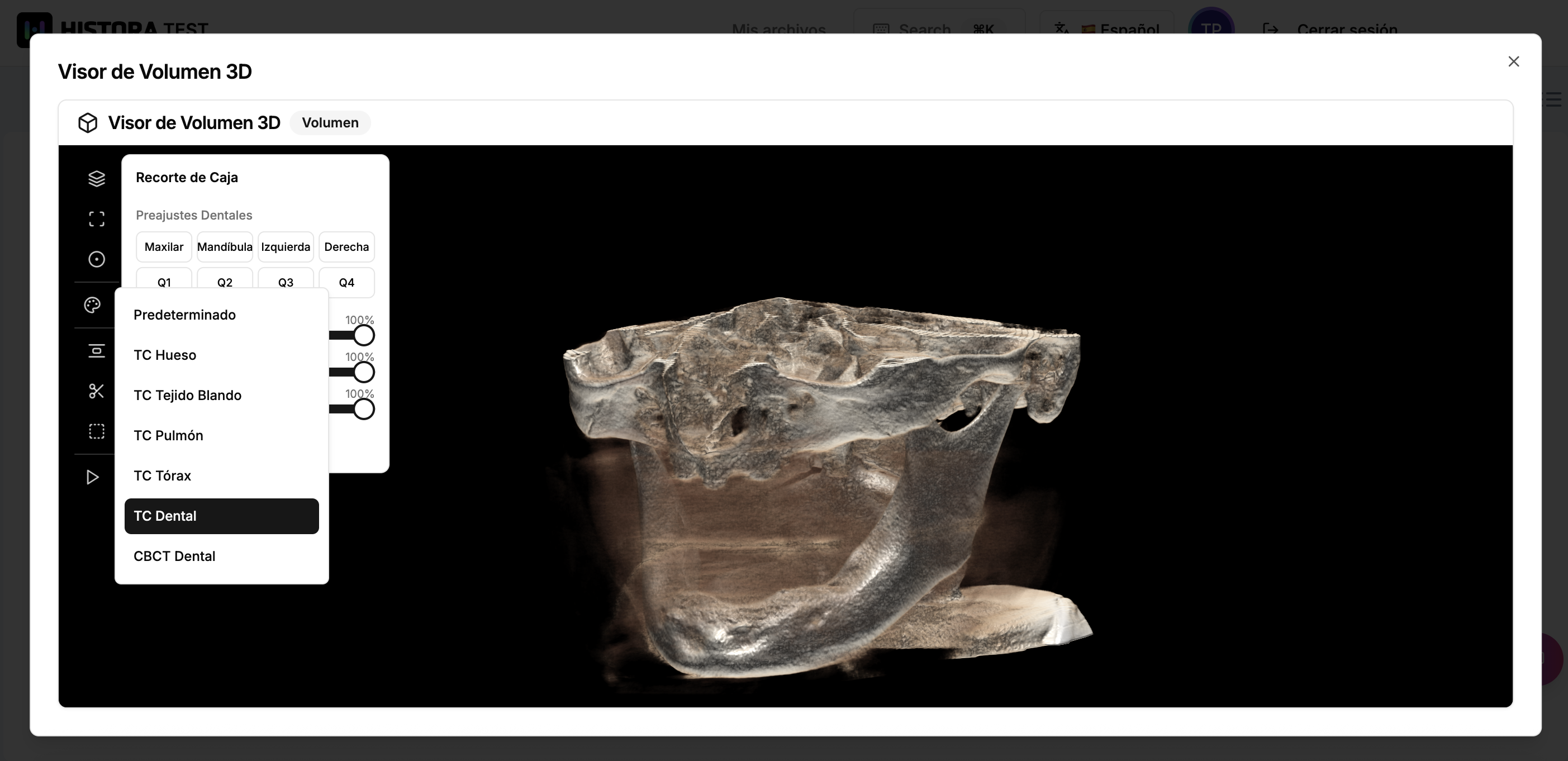

Medical imaging has long been confined to specialized workstations locked behind hospital walls. When a patient receives a CBCT scan at the dentist or a CT study at a radiology center, the resulting DICOM files—the universal standard for medical images—are typically viewable only through expensive, desktop-bound software. For patients trying to understand their own health data, and for professionals who need quick access to imaging studies across devices, this creates a significant barrier.
Histora was built around a simple premise: patients should own their medical data and be able to access, organize, and share it seamlessly. But "access" means little if a patient uploads a DICOM study and sees nothing but a list of cryptic filenames. The real value lies in being able to see... to explore a three-dimensional reconstruction of the scan, rotate it, isolate structures of interest, and gain genuine insight from the data.
That's why we built a 3D DICOM volume viewer directly into the Histora web platform.
The Histora 3D DICOM viewer takes a series of two-dimensional DICOM slices—sometimes hundreds of them—and reconstructs them into a fully interactive three-dimensional volume that runs entirely in the browser. No plugins. No downloads. No specialized hardware.
The viewer streams DICOM images progressively, assembling the volume in real time as data arrives. This means users don't have to wait for an entire series to download before they start exploring; the 3D reconstruction builds itself before their eyes.
The viewer supports multiple rendering techniques to highlight different anatomical structures:
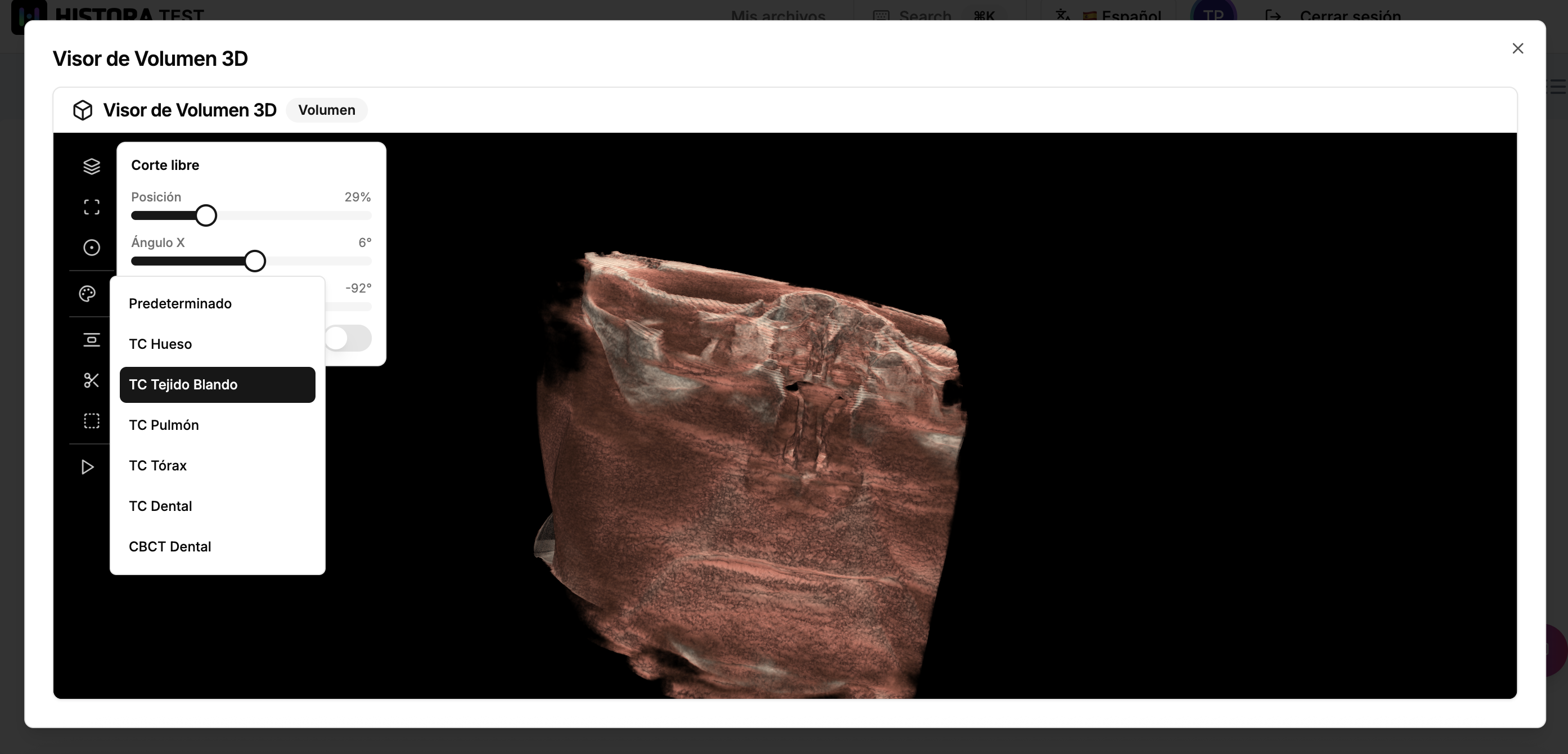 Intelligent Presets
Rather than asking users to manually configure transfer functions — a task that requires deep technical knowledge — the viewer ships with curated presets tuned for common clinical scenarios:
To isolate regions of interest within the volume, the viewer provides several clipping modes:
Users navigate the 3D scene with intuitive controls: trackball rotation with the left mouse button, pan with the middle button, and zoom with the right button. An optional auto-rotation animation allows the volume to spin continuously at an adjustable speed—useful for presentations or for getting a quick overview of a full reconstruction.
Histora is a medical records platform where patients upload, organize, and share their health data with healthcare professionals. In this context, the 3D DICOM viewer is not a standalone novelty — it is a core part of the data accessibility promise.
For patients, it transforms opaque medical files into something they can actually see and explore. A patient who receives a dental CBCT scan can open it in Histora, rotate the 3D reconstruction, and visually understand what their dentist is referring to.